StepOn Step Tracker Pedometer
Free Version
Publisher Description
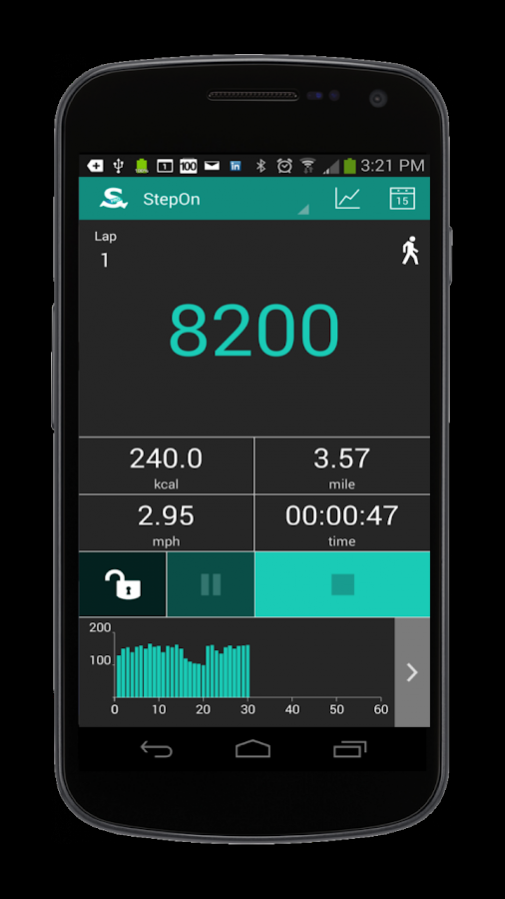
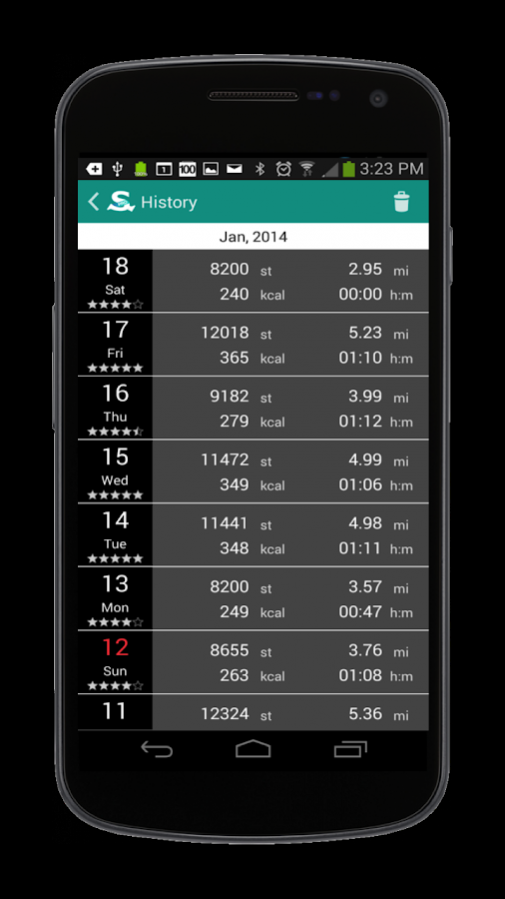
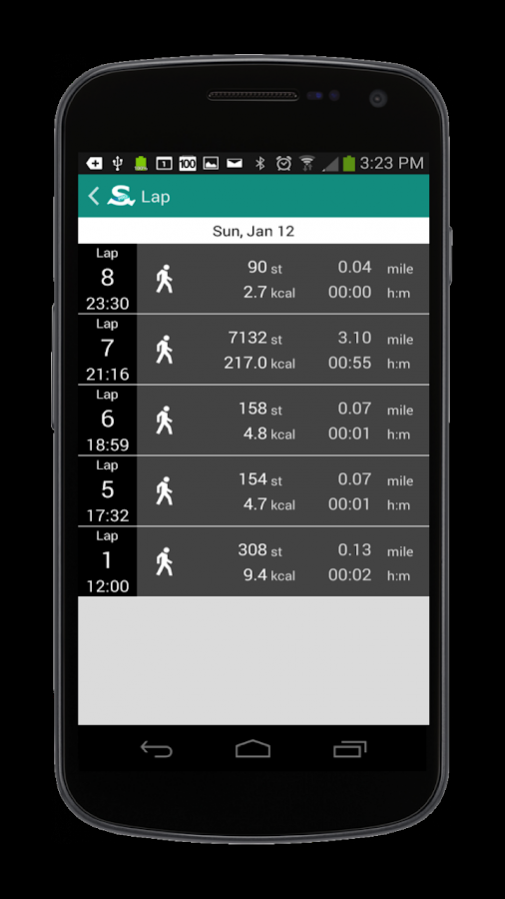
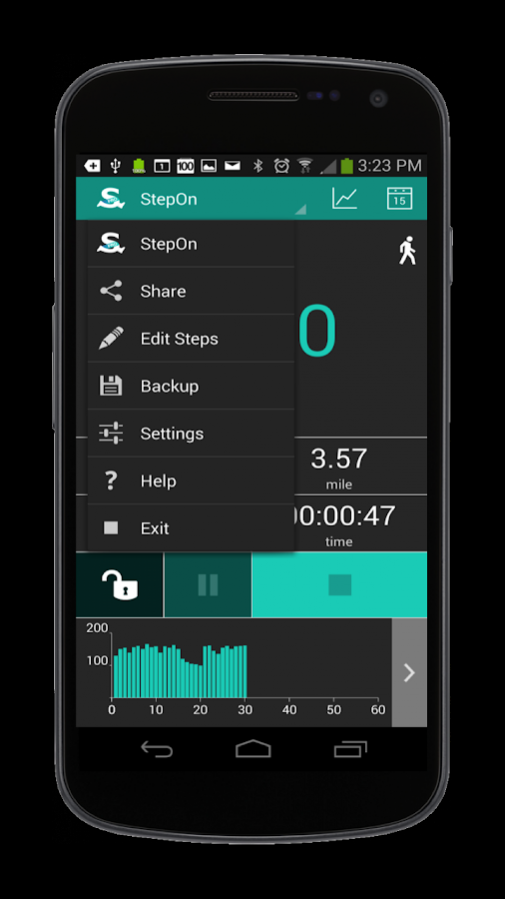
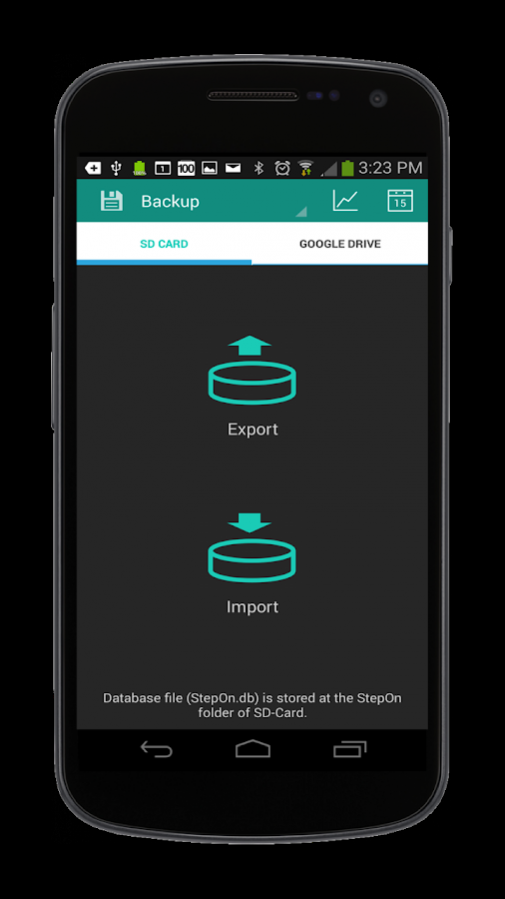
StepOn is a pedometer that tracks your steps.
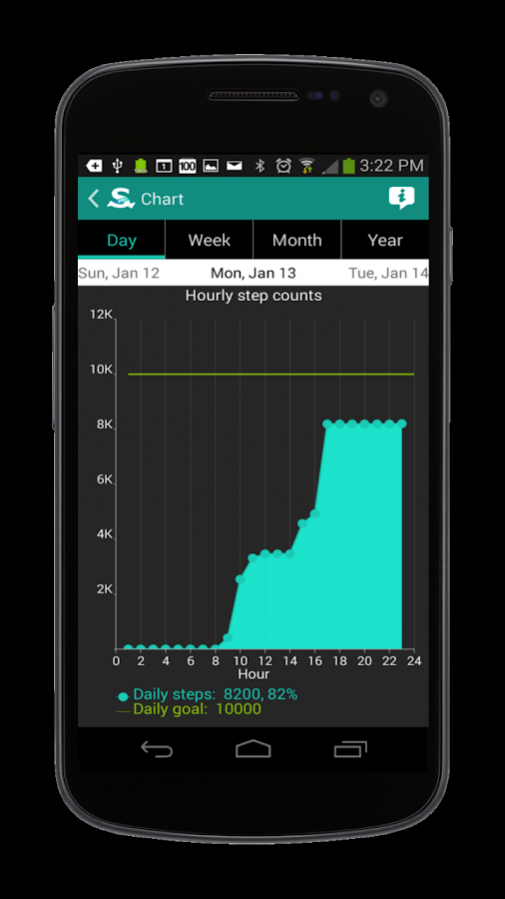
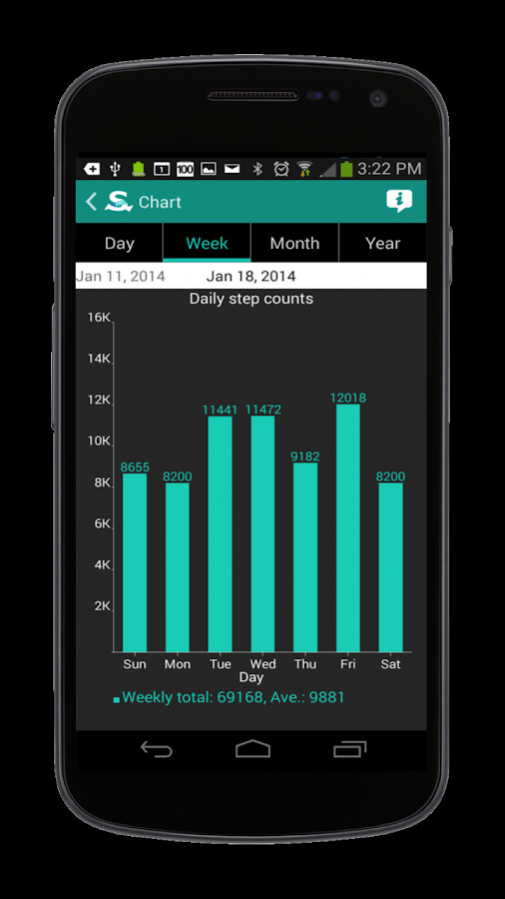
With easy to read charts and history logs, monitor your steps, calories burned, distance, and time. As your best walking buddy, StepOn will motivate you to walk more! Set up your daily goal and step towards a healthier you with StepOn step tracker.
StepOn counts your steps regardless of where you put your phone like your pocket, waist belt, or bag. StepOn is so simple! All you need to do is press the start button when you start walking. Walk 10K steps a day and StepOn towards a healthier you.
Key Features include:
• Charts: daily, weekly, monthly, and yearly step counts
• Daily log history: step counts, calories burned, distance, and time
• Accurate step counts using intelligent 3D motion tracking algorithms
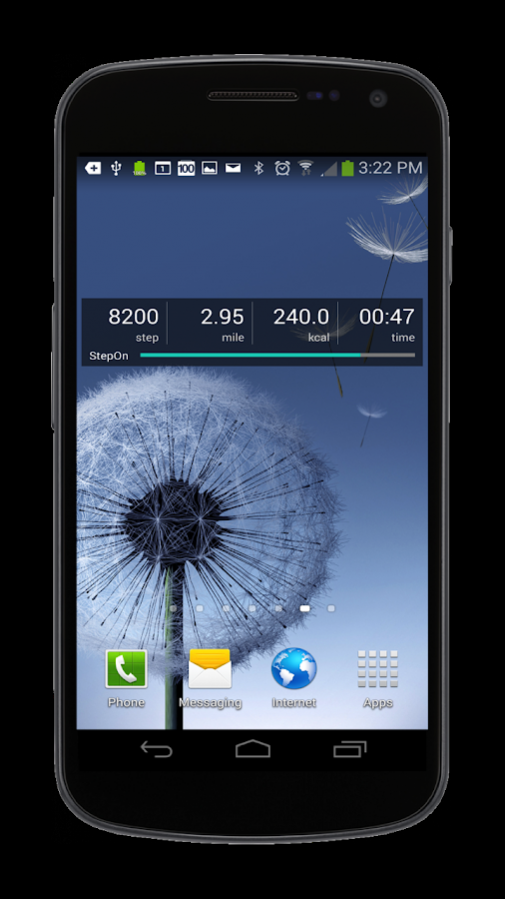
• Widget on Home screen
• Share daily log on Facebook
• SD-Card backup
• Personalized settings: daily goal, sensitivity, unit: metric/imperial, stride length, weight, etc.
About StepOn Step Tracker Pedometer
StepOn Step Tracker Pedometer is a free app for Android published in the Health & Nutrition list of apps, part of Home & Hobby.
The company that develops StepOn Step Tracker Pedometer is Corusen LLC. The latest version released by its developer is 1.0.
To install StepOn Step Tracker Pedometer on your Android device, just click the green Continue To App button above to start the installation process. The app is listed on our website since 2017-08-28 and was downloaded 7 times. We have already checked if the download link is safe, however for your own protection we recommend that you scan the downloaded app with your antivirus. Your antivirus may detect the StepOn Step Tracker Pedometer as malware as malware if the download link to com.corusen.steponfre is broken.
How to install StepOn Step Tracker Pedometer on your Android device:
- Click on the Continue To App button on our website. This will redirect you to Google Play.
- Once the StepOn Step Tracker Pedometer is shown in the Google Play listing of your Android device, you can start its download and installation. Tap on the Install button located below the search bar and to the right of the app icon.
- A pop-up window with the permissions required by StepOn Step Tracker Pedometer will be shown. Click on Accept to continue the process.
- StepOn Step Tracker Pedometer will be downloaded onto your device, displaying a progress. Once the download completes, the installation will start and you'll get a notification after the installation is finished.
